 Scap v1.14.0
Scap v1.14.0
Scap v1.14.0
Scap v1.14.0
Scap v1.14.0
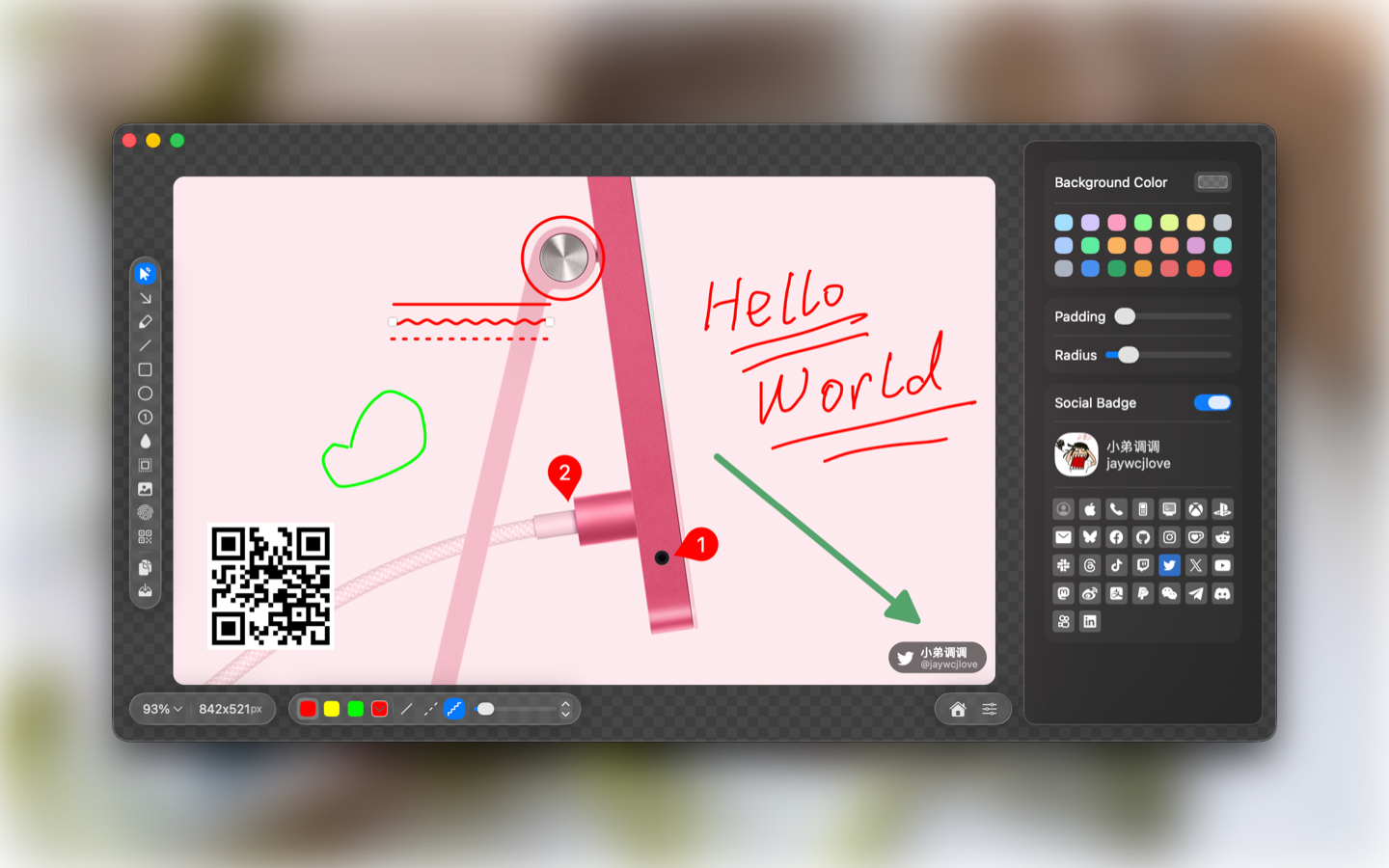
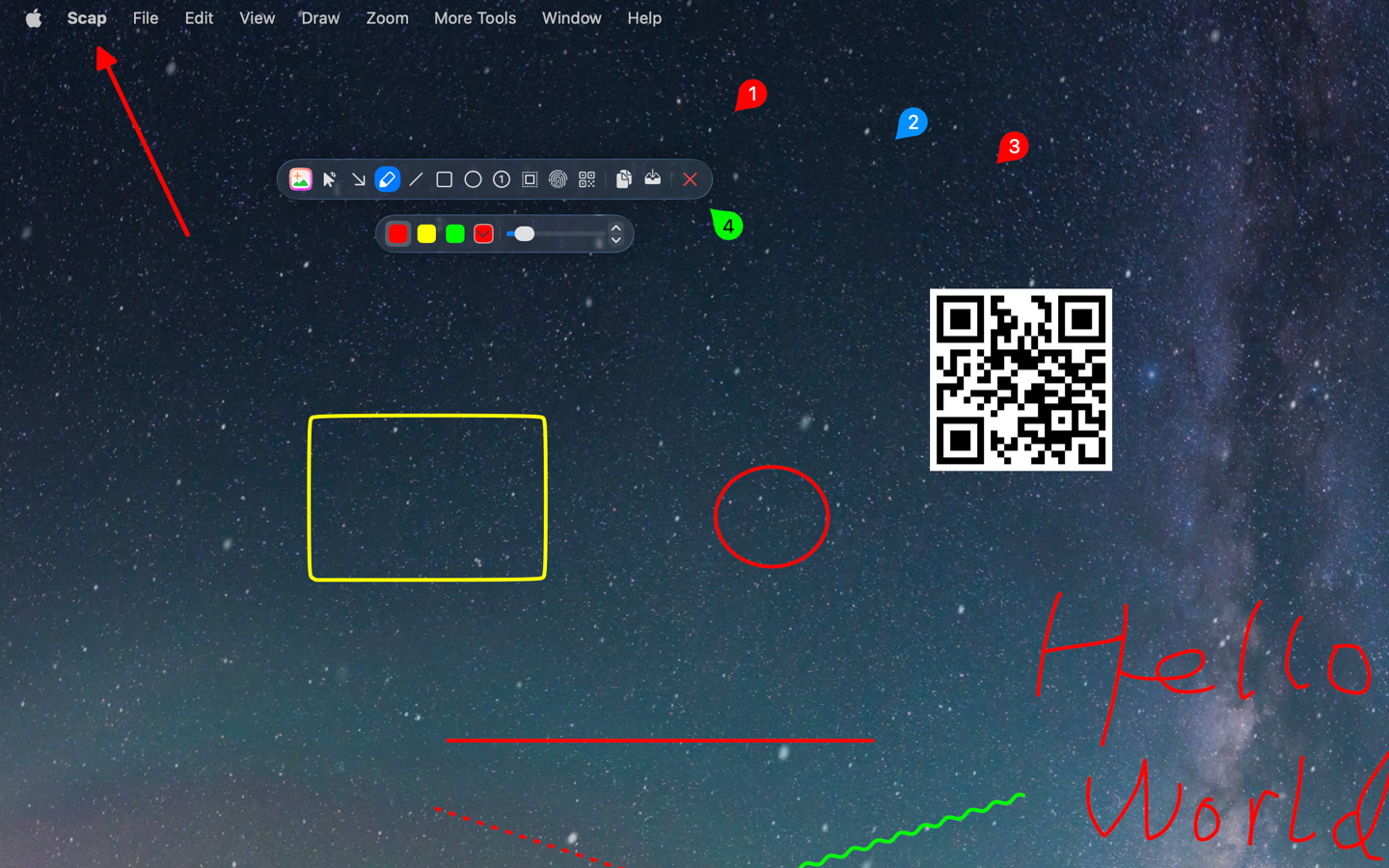
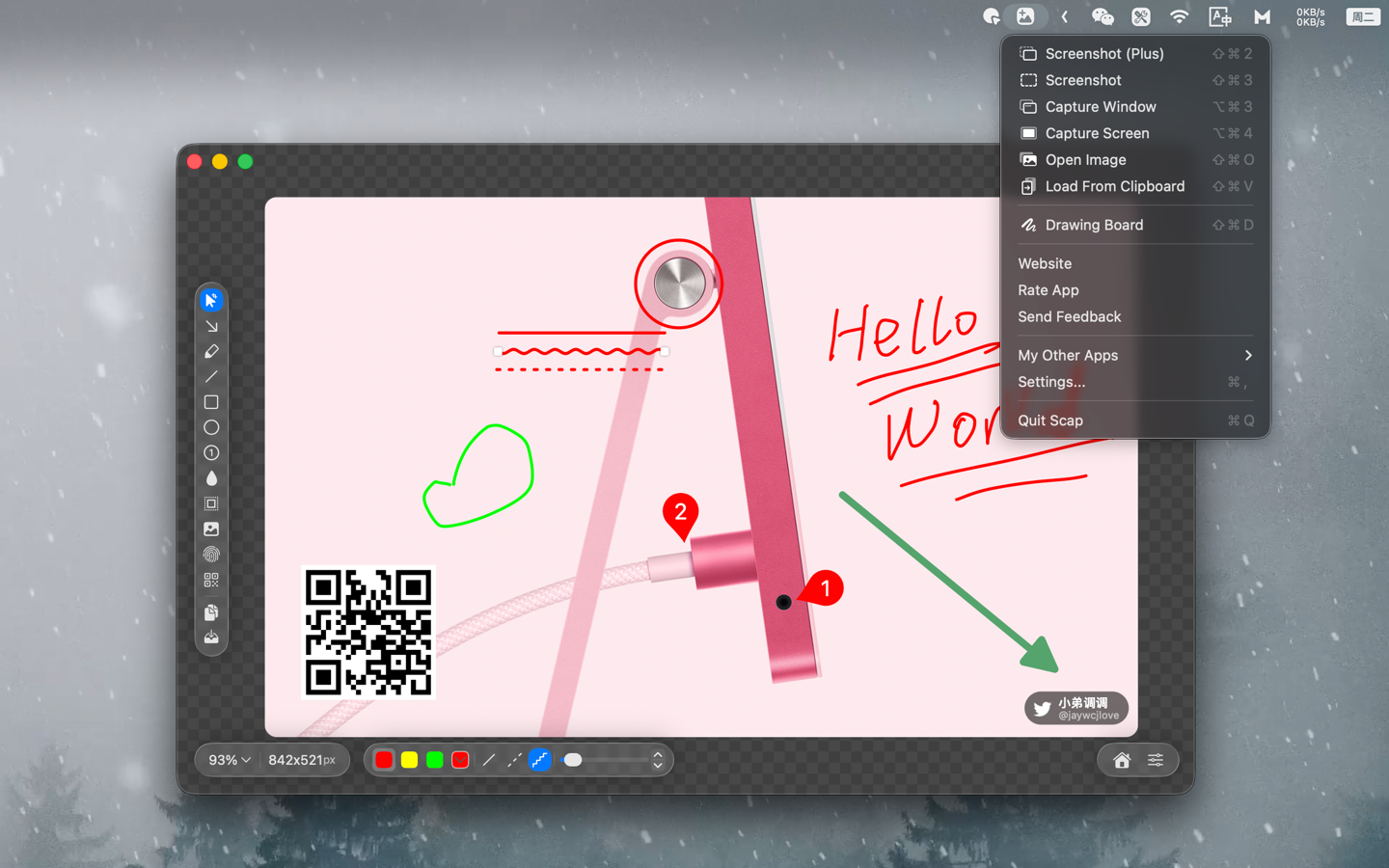
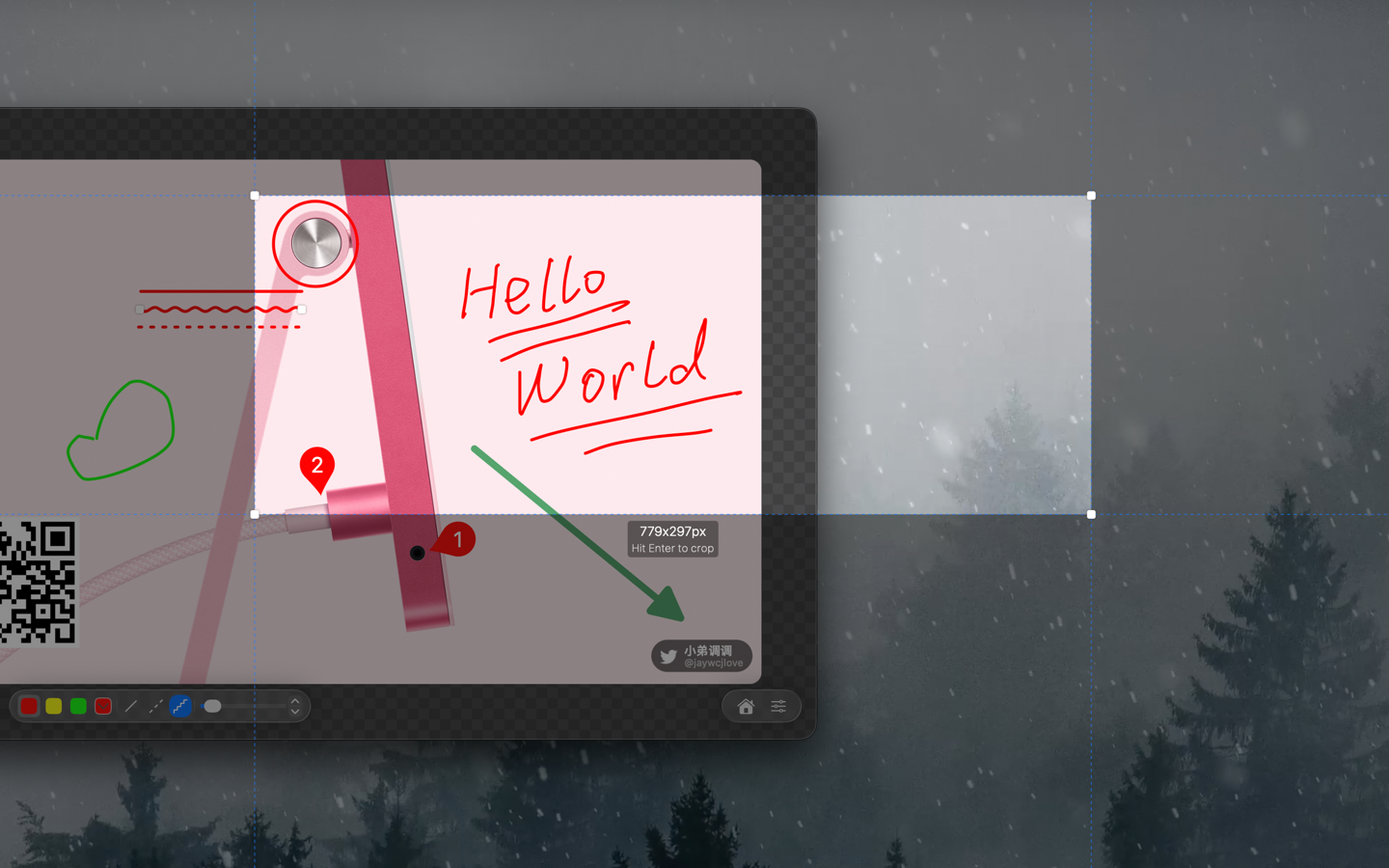
Scap is a macOS app designed specifically for image screenshotting, annotation, and canvas creation. It provides a focused editing canvas integrated with powerful tools, including drawing tools, blur/mosaic, spotlight, QR code overlay, watermark, image layer paste functions, screenshot OCR, and QR code recognition. In addition to robust editing capabilities, Scap supports editable OCR text results, editing existing images, a free drawing board mode, a precise screenshot mode, and a localized interface in Simplified Chinese, Traditional Chinese, English, German, French, Japanese, and Korean, helping users efficiently complete image processing tasks.
Edit: Annotate a specific image.DrawingBoard: Free drawing canvas.ScreenCrop: Select and capture a screen region.V: Crop / SelectA: ArrowT: 文本D: Free BrushL: LineR: RectangleO: EllipseC: Number MarkerB: Blur / MosaicS: SpotlightW: WatermarkQ: QR Code⌘V: Paste Image