 Iconize Folder 3.5.0
Iconize Folder 3.5.0
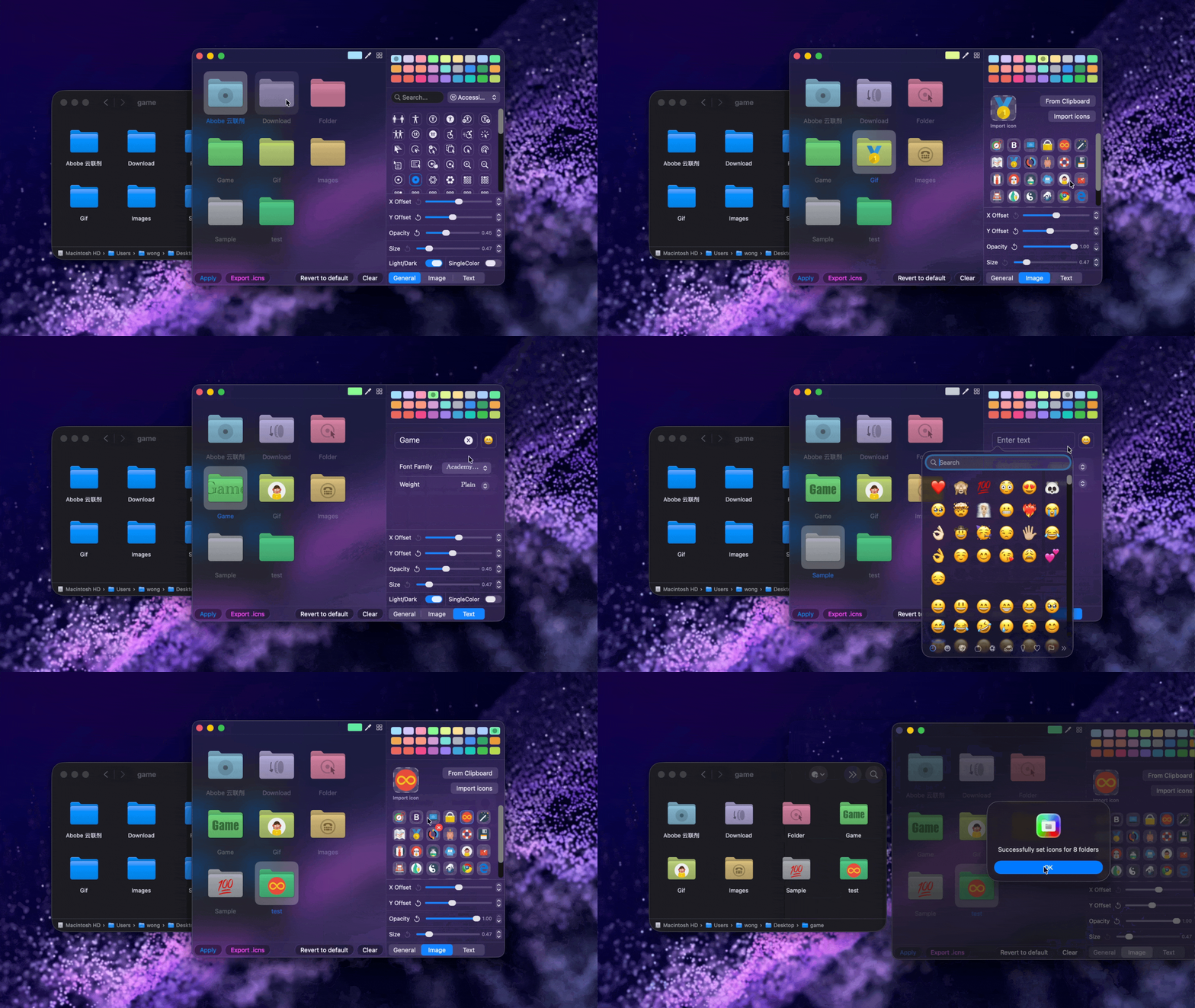
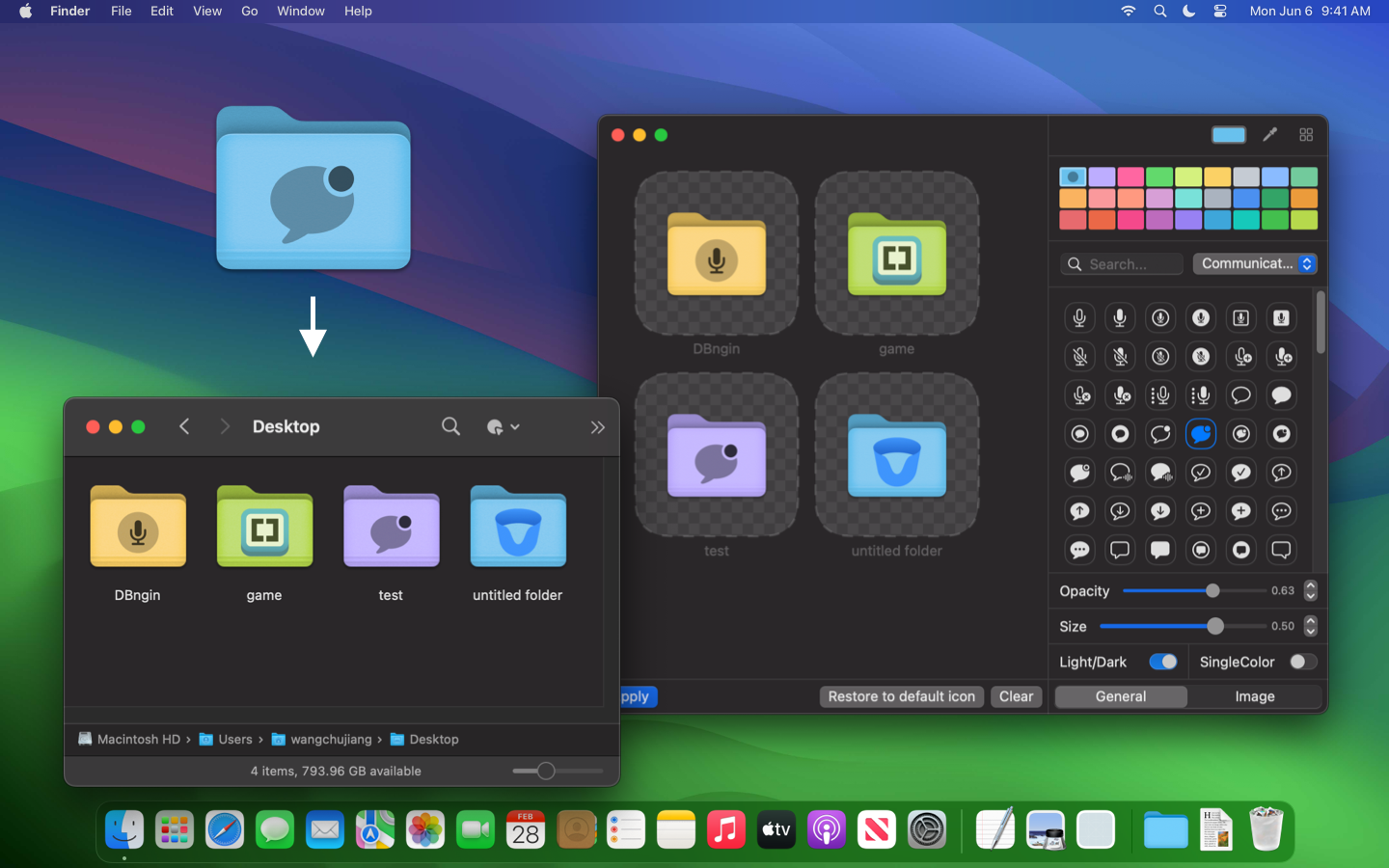
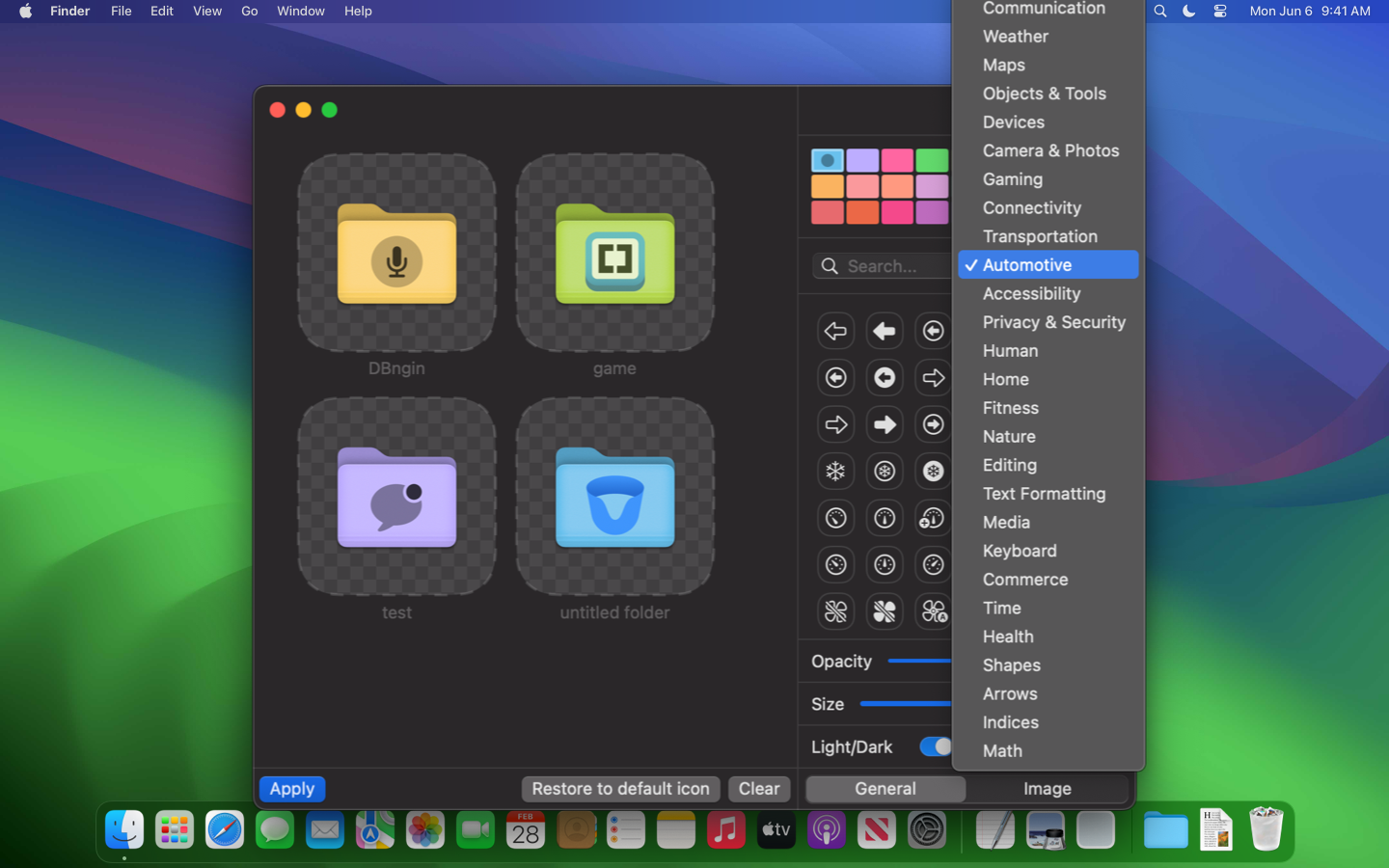
With this tool, you can easily customize folder colors and icons, making file management more intuitive and efficient. Choose from over 5,000 symbol icons, create your own color schemes, add image icons or Emojis, and even insert text in various fonts. Design personalized folders that stand out visually and enhance overall clarity.
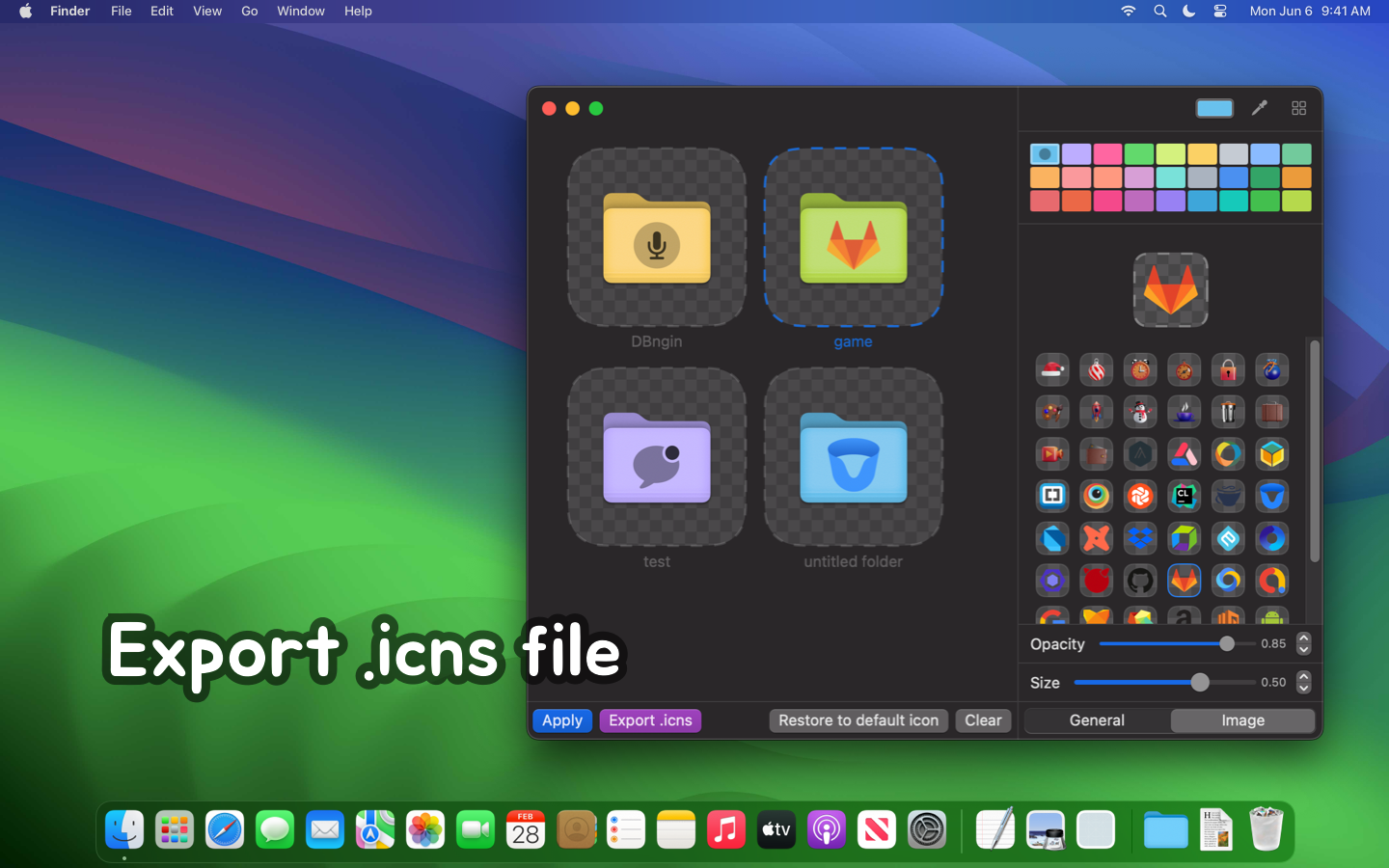
New features include the ability to adjust the transparency and size of symbol icons, a wider selection of folder colors, and quick import of folder paths to the Dock. You can also export your custom folder icons as .icns files for use elsewhere.
macOS includes Customize Folder, which can add a preset color, a symbol, or an emoji to one folder at a time. Folder colors come from Finder tags, so changing the color also applies the matching tag.
| Feature | Built-in | Iconize Folder |
|---|---|---|
| Custom text | — | ✅ |
| Custom image | — | ✅ |
| Customize folders in batch | One at a time | ✅ |
| Clear folder styles in batch | One at a time | ✅ |
| Custom color | Also sets the Tag color | ✅ Folder color only |
| Symbol icons | A subset | ✅ All symbol icons |
| Eyedropper | — | ✅ |
| Text fonts | — | ✅ |
| Text, symbol, and image position | Fixed | ✅ Adjustable |
| Text and symbol color | Symbols are embossed | ✅ Set independently |
| Export .icns | — | ✅ |
| Add an icon from the clipboard | — | ✅ |
Use this URL Scheme to quickly open a folder at a specified path. For example, iconizefolder:///Users/wangchujiang/Desktop/test/ will open the test folder on the desktop.
iconizefolder:<Folder Path>
iconizefolder:/Users/wangchujiang/Desktop/test/
