 Paste Quick
Paste Quick
Paste Quick
Paste Quick
Paste Quick
minimum OS requirement: macOS 14.0
PasteQuick is a privacy-focused and simple clipboard management tool designed to help you efficiently manage various temporary data such as text, links, images, and code. It records everything you copy or cut and saves it in a history list, allowing you to quickly find and use clipboard records, greatly improving your productivity.

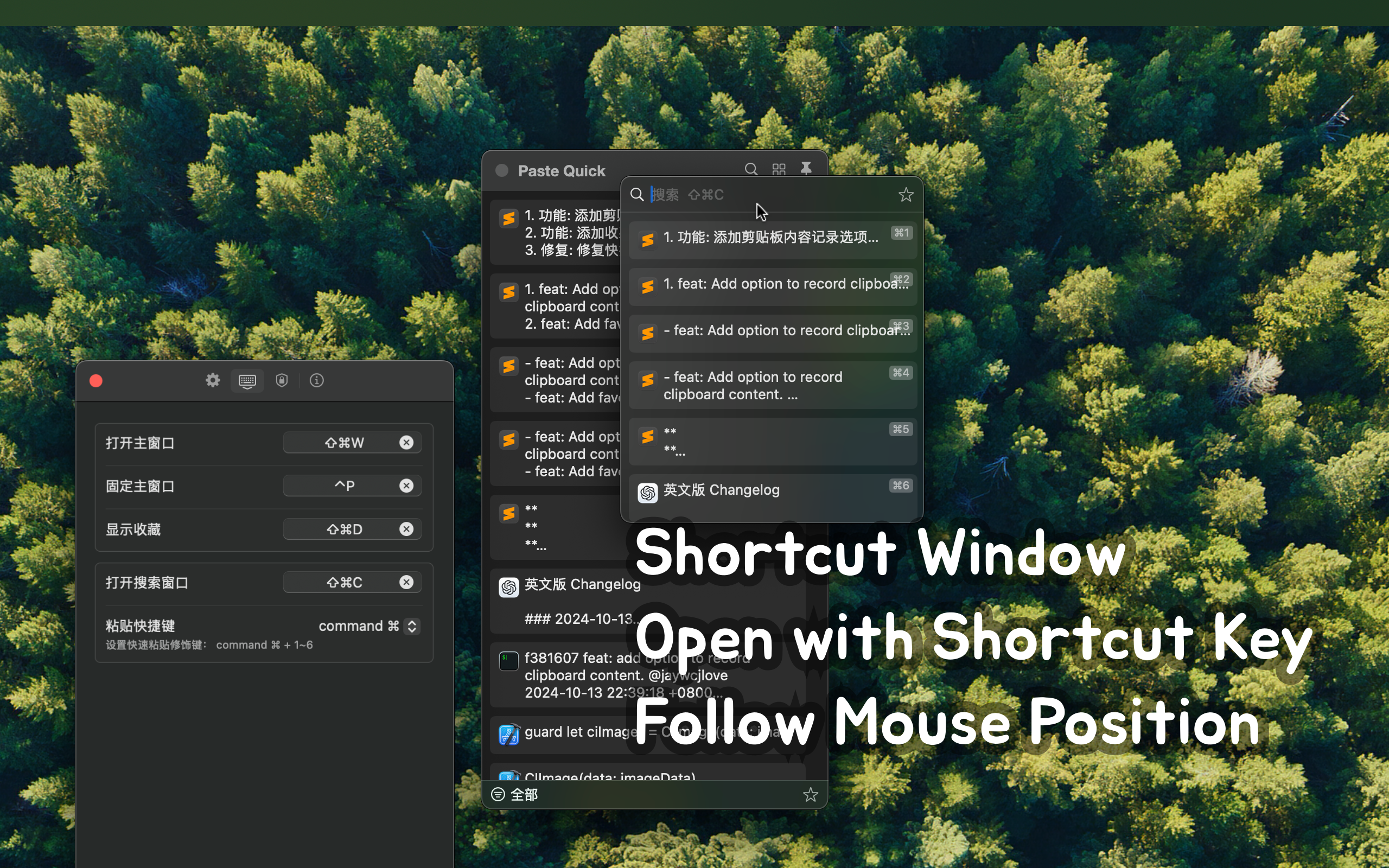
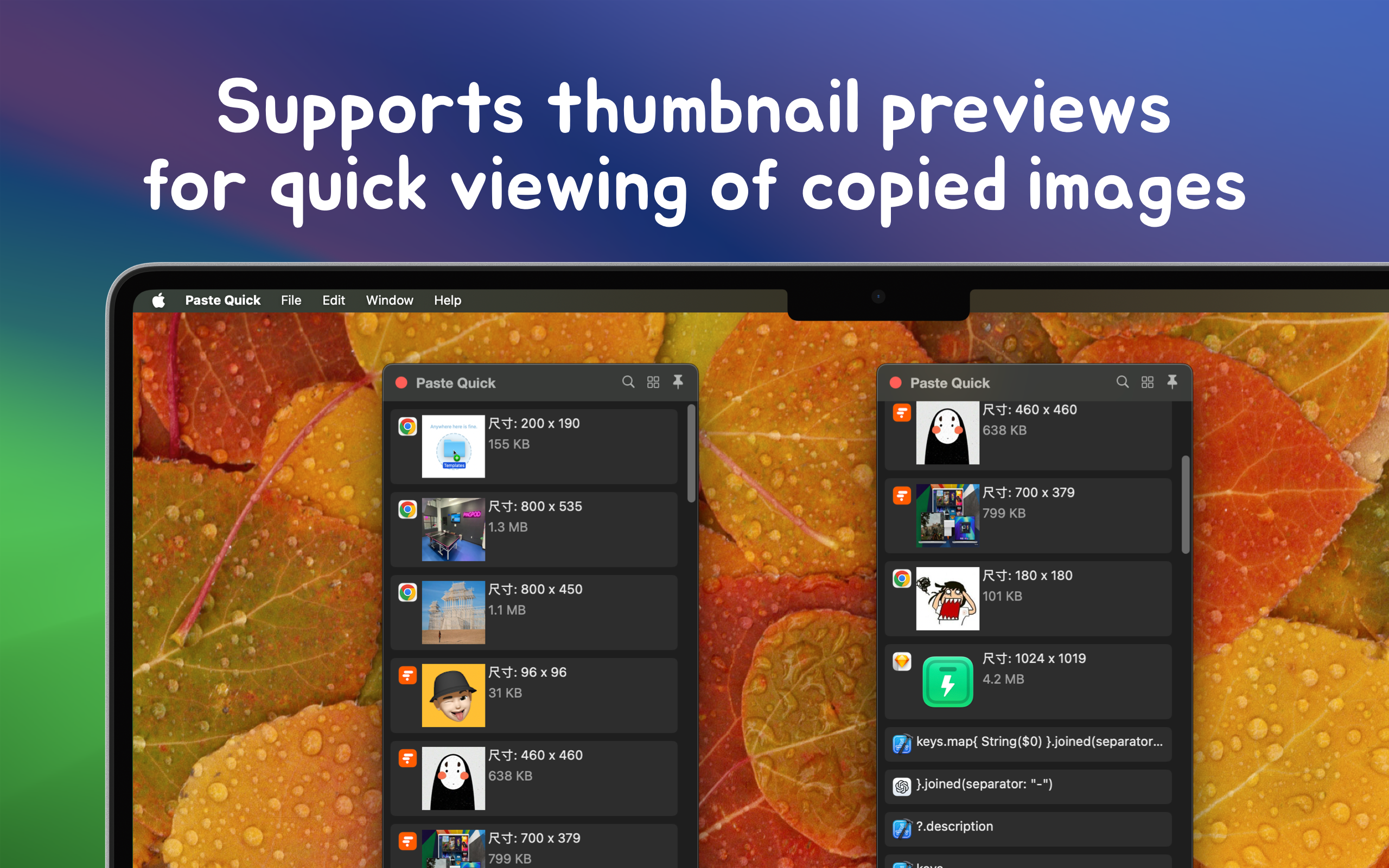
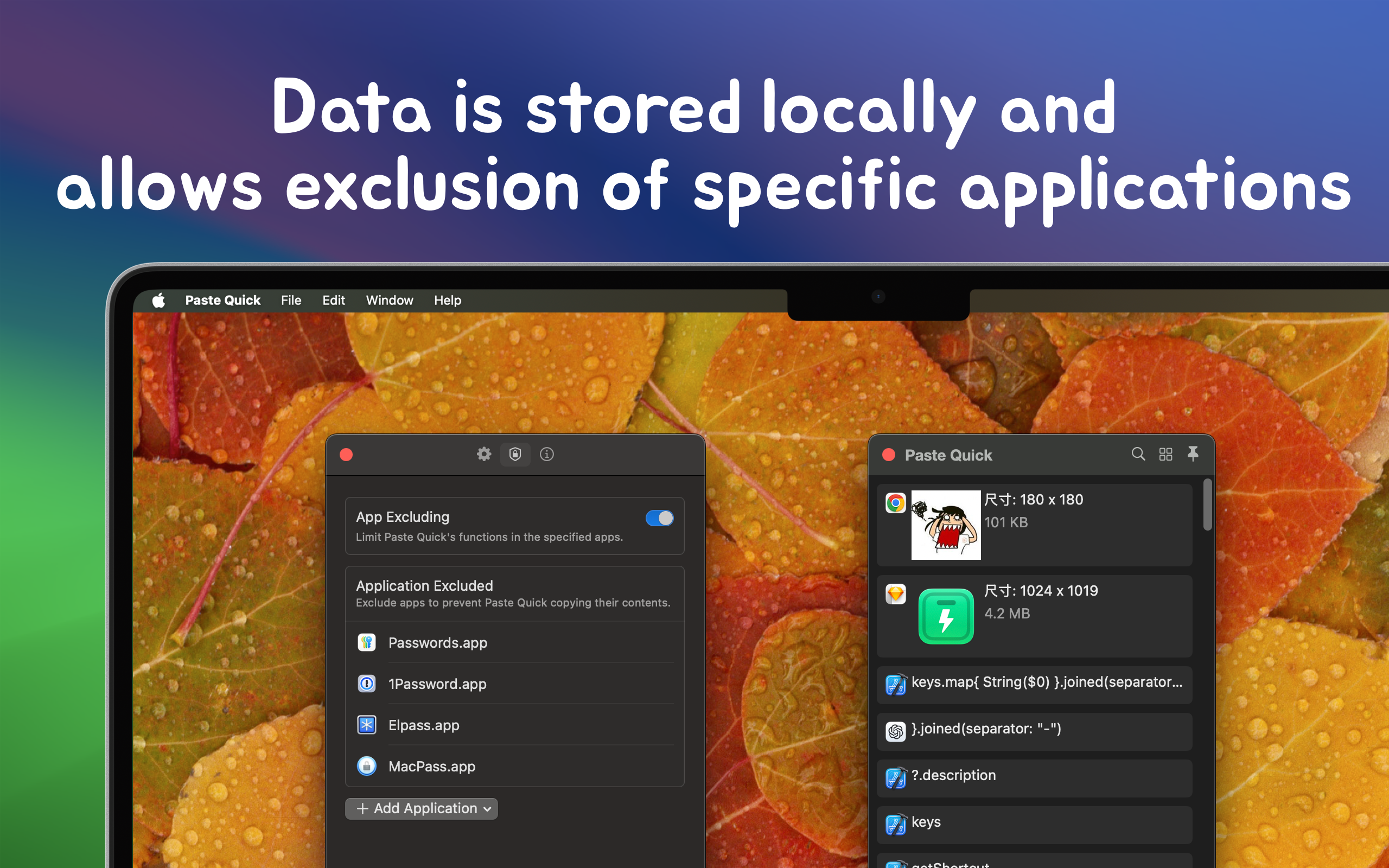
PasteQuick is continuously being optimized and developed to bring more convenience to your daily work. We welcome your valuable feedback and suggestions!
PasteQuick is powered by the Model Context Protocol (MCP), allowing AI assistants to directly access your clipboard.
AI can retrieve, read, summarize, and analyze clipboard content, making it easy to build custom AI-powered workflows. Your clipboard data, now empowered by AI.
# Add the PasteQuick MCP server
$ grok mcp add pastequick \
  --transport stdio \
  --scope user \
  -- "/System/Applications/PasteQuick.app/Contents/MacOS/PasteQuick" --mcp

# Remove the PasteQuick MCP server
$ grok mcp remove pastequick

# List configured MCP servers
$ grok mcp list

# Diagnose the connection status of the PasteQuick MCP server
$ grok mcp doctor pastequick
You can also configure it directly in ~/.grok/config.toml:
[mcp_servers.pastequick]
command = "/Applications/PasteQuick.app/Contents/MacOS/PasteQuick"
args = ["--mcp"]
enabled = true
You can also add the following to an MCP client configuration, such as Claude Desktop or Cursor:
{
  "mcpServers": {
    "musicer": {
      "command": "/Applications/Musicer.app/Contents/MacOS/Musicer",
      "args": ["--mcp"]
    }
  }
}